Help
Your first night with Astrolarius
Seven steps, from the afternoon to the next morning. Each one tells you where it is in the app and what it does for you.
The app runs in Spanish. The screen names below are the real ones, with the English in brackets; the website, the guides and the tools are in English.
-
1 Mi cielo › Lugares y Horizonte (My sky › Sites and Horizon)
Tell it where you observe
Search for your town or use GPS: the app works out how dark your sky is (its Bortle class).
In Horizon, mark what the trees or the houses block in each direction. That way only the time you can really see each object counts.

Screenshot of the Astrolarius app -
2 Mi equipo › Equipo, Montajes y Montajes listos (My gear › Gear, Rigs and Ready rigs)
Tell it what gear you have
Add your telescopes, cameras, filters and mounts. The app builds every combination (the rigs) with its field and what each one is good for.
In Ready rigs, mark what you have set up this season and how you change filters.
-
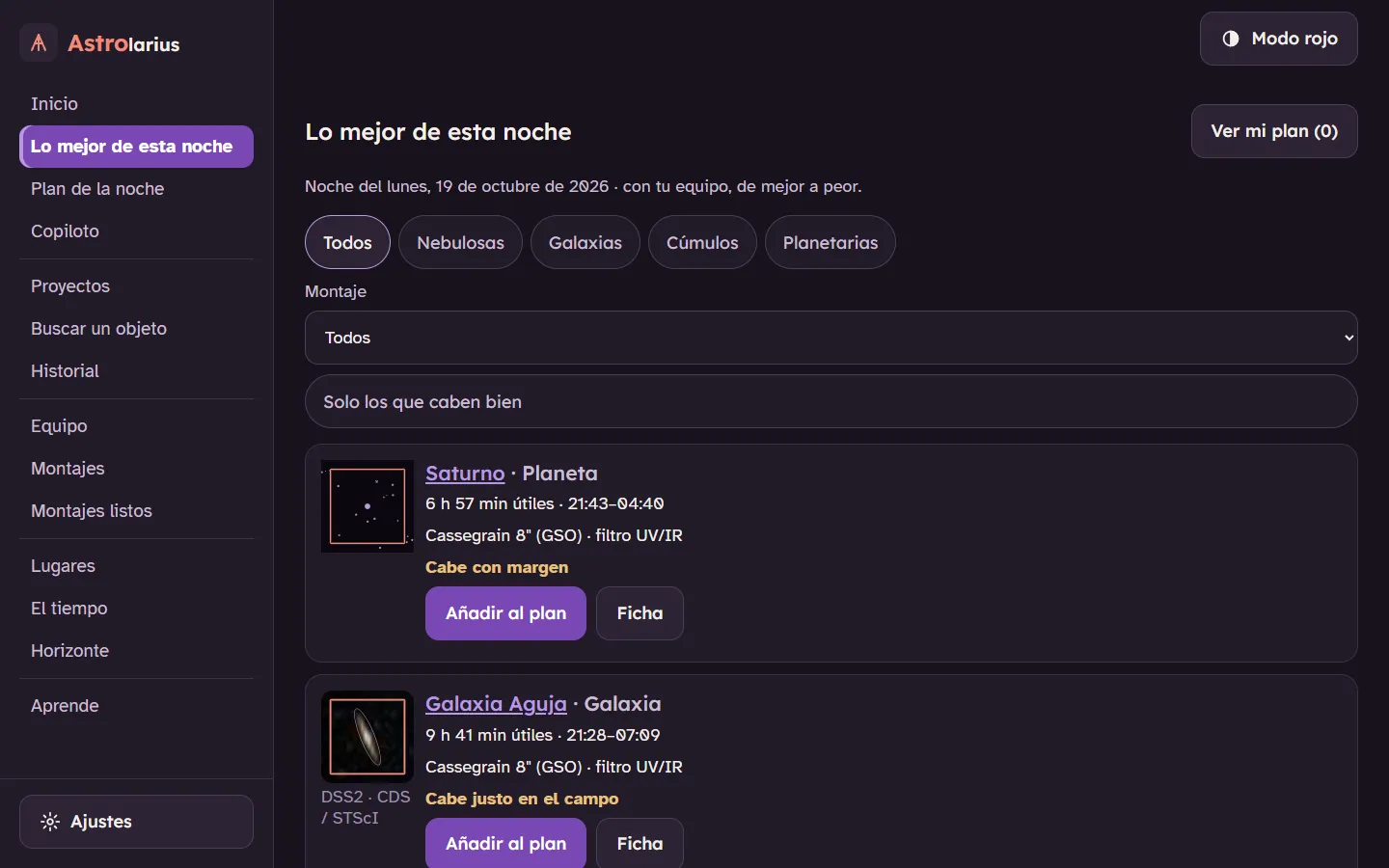
3 Esta noche › Inicio y Lo mejor de esta noche (Tonight › Home and Tonight’s best targets)
See what’s worth shooting tonight
Home tells you whether it's worth setting up: clouds, Moon and hours of astronomical darkness.
Tonight's best targets ranks the objects that come out best with your gear, your sky and your horizon, with the filter that suits them.
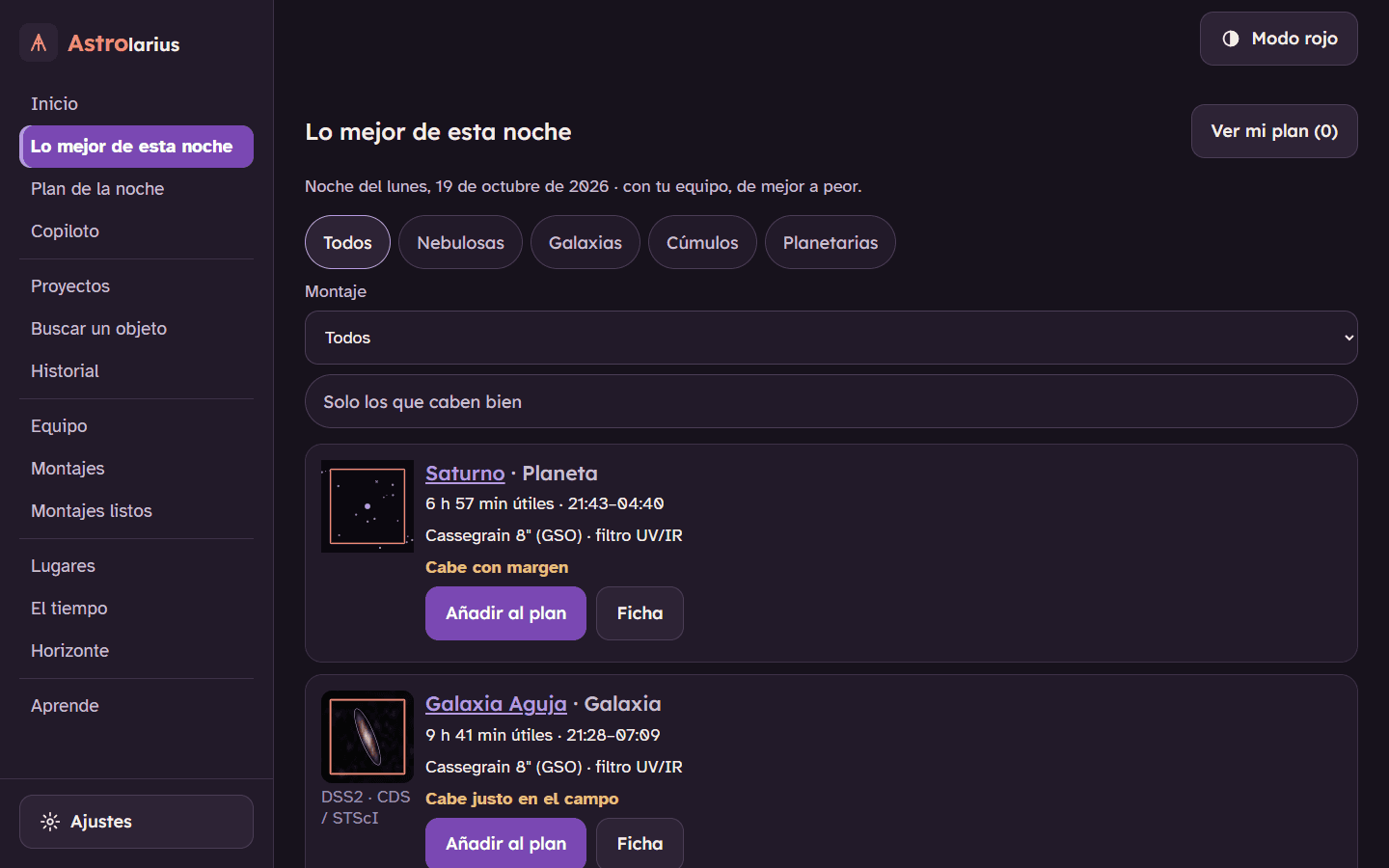
Screenshot of the Astrolarius app · sky images: DSS2 (STScI/CDS) -
4 La ficha de cada objeto (each object’s page)
Frame over the real sky
You see the object with your camera's field on top, over real photos of the sky.
Rotate the camera until it looks the way you want, or split a large object into a mosaic. The app remembers the angle.

Screenshot of the Astrolarius app · sky images: DSS2 (STScI/CDS) -
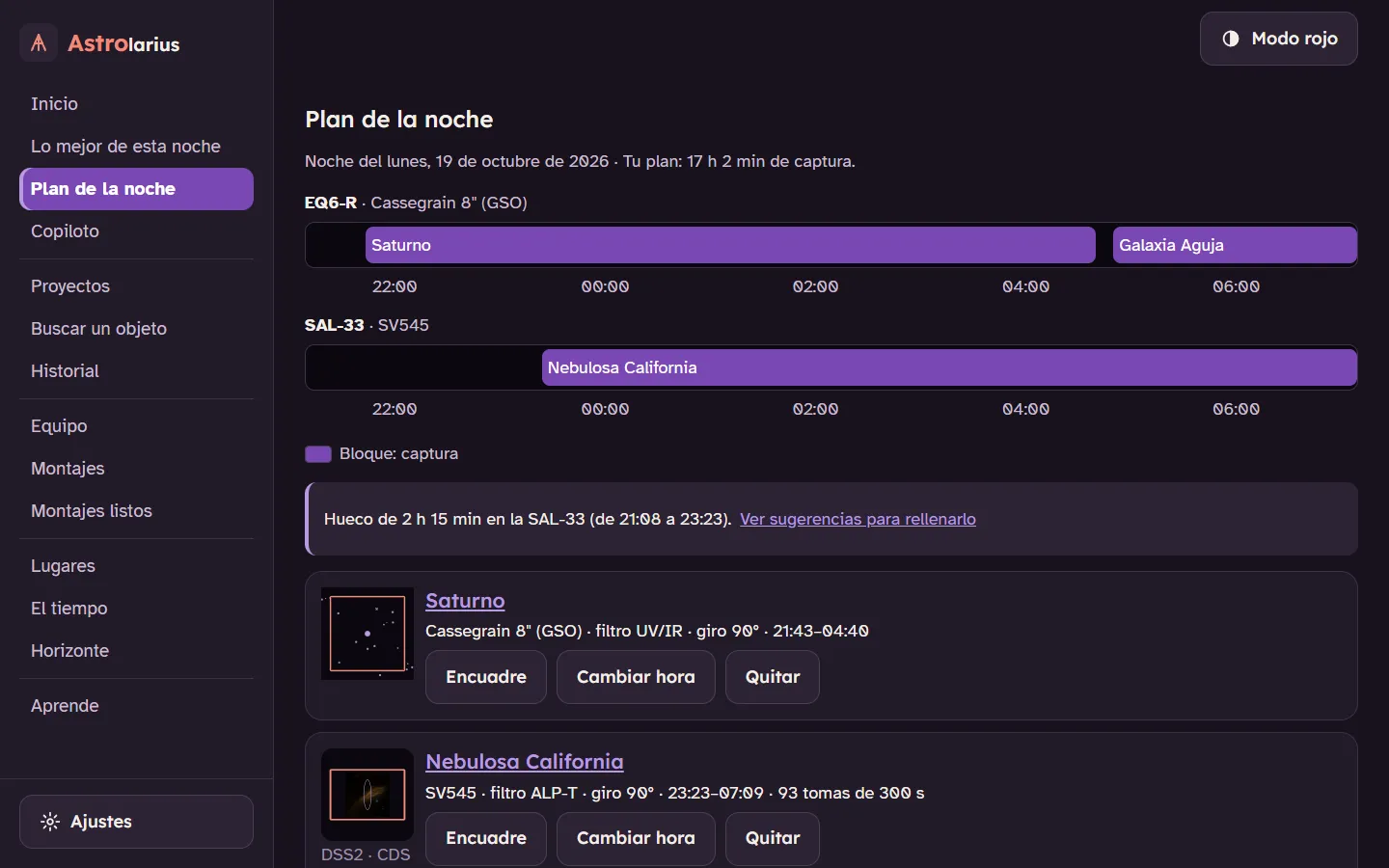
5 Esta noche › Plan de la noche (Tonight › The night’s plan)
Get the plan ready
One object per mount and at its own time, with its altitude curve and the frames that really fit: the app takes off the time lost to frame downloads, dithering, autofocus runs and the meridian flip.
If you want, it goes straight into N.I.N.A. or the ASIAIR.

Screenshot of the Astrolarius app · sky images: DSS2 (STScI/CDS) -
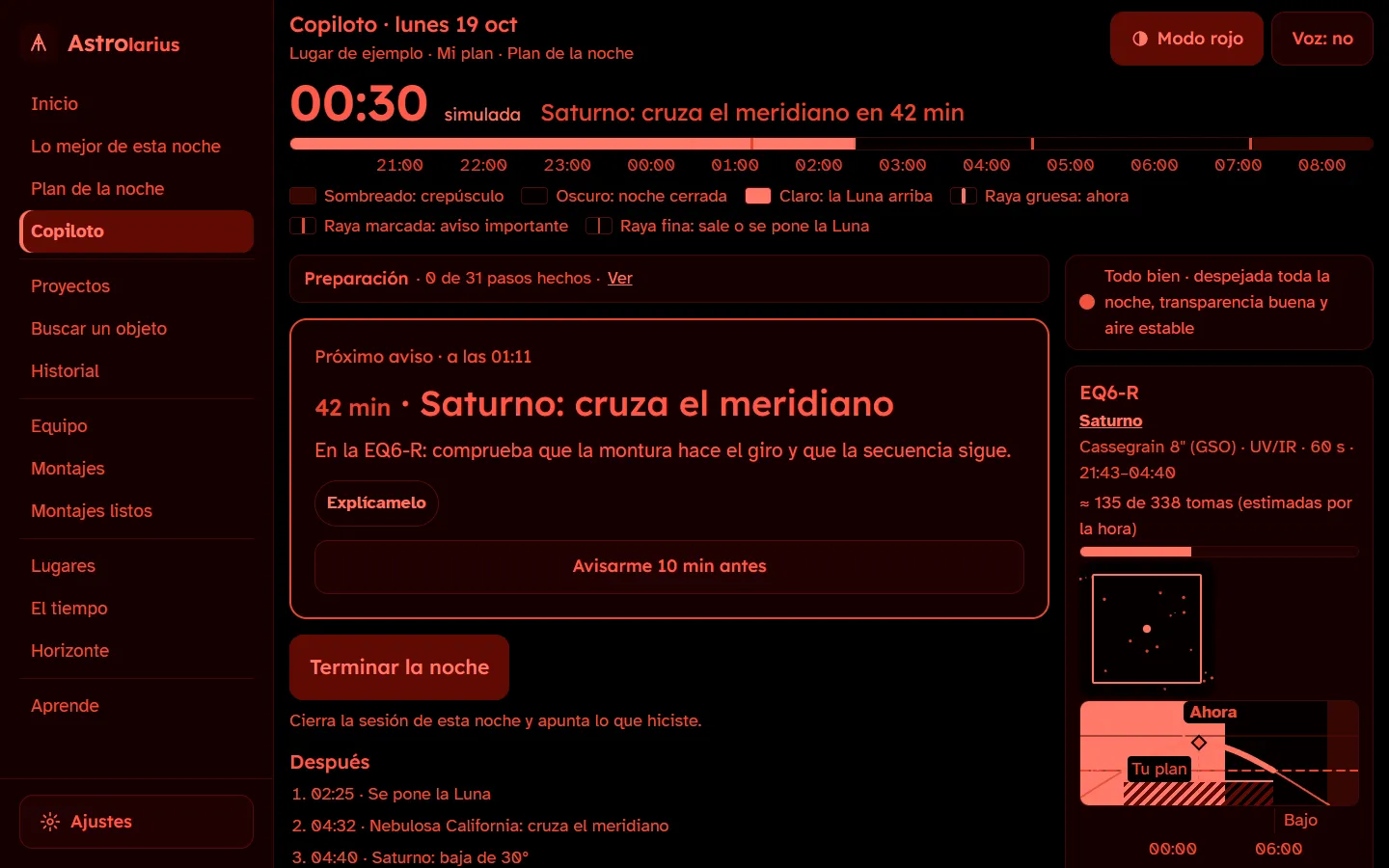
6 Esta noche › Copiloto (Tonight › Copiloto)
At night, the Copiloto walks you through it
The night as a to-do list in order: set up, cool down, focus, start each object, flip at the meridian…
It warns you ahead of each step and, if rain is coming, it tells you so you can pack up.

Screenshot of the Astrolarius app · sky images: DSS2 (STScI/CDS) -
7 Mis proyectos › Proyectos e Historial (My projects › Projects and History)
Afterwards, log how it went
Answer “how did it go?” with the frames you kept: each project adds up its hours per filter and tells you how much is left.
Landscape shots (the Moon over a bridge…) are projects too, with their date and their countdown.


Other things that may help
- Exposure calculatorWith a tripod and a lens: the ISO, the f-stop (your lens's sweet spot), the seconds before the stars trail and how many frames to take. The app has it too, with a step-by-step Copiloto for a DSLR.
- Field of view calculatorWhich telescope and camera frame an object well, over a real photo of the sky.
- Filter finderWhich filter suits each object with your sky and the Moon you have tonight.
- LearnThe twelve guides and the 39 concepts; in the app, with “explain this” next to every term.
- Your 2027 eclipseThe spoken countdown for the total eclipse: the app’s only screen in English so far.
Quick questions
Do I need an account?
It isn't required, but it's worth it: you sign in with your email (a code arrives, no password) and your data is kept in your account, so nothing is lost if you switch phones and you have it on your phone, your tablet and your computer. Without an account, everything is stored only on your device.
Does it work offline?
Yes: it installs as an app and works out in the field with no signal. The weather forecast and the maps need a connection; whatever it already downloaded stays.
Is the app in English?
Not yet. The website is: the guides, the tools, the object pages, the events and “Your eclipse”, which is the app's own screen. The app itself runs in Spanish, and we're translating it in phases.
What if I don't have a telescope?
Start with your DSLR and a tripod: the exposure calculator gives you the settings and the guide “Start with your DSLR” gives you the rest.
Why does the screen turn red?
That's red mode, so you don't lose your dark adaptation. The button is at the top right.
Does it work in the southern hemisphere?
Yes. Everything is worked out from your own coordinates, so the hours, the altitudes and the Moon are yours wherever you observe from, and the horizon is the one you draw. The object list includes the southern targets (the Carina Nebula, 47 Tucanae, the Magellanic Clouds, Centaurus A, Gabriela Mistral…). What is written for Spain is the eclipse section and the alignment tool, which use Spanish maps.
Want to know how each thing is worked out, where the data comes from or what is stored? The technical documentation has it.
The screenshots show the app in Spanish, which is the language it runs in today.