Features
Everything Astrolarius does
From the afternoon to the next morning, worked out for your gear and your sky.
The app itself runs in Spanish for now: the feature names are translated on this page. The website, the guides and the tools are in English.
-
01 · 10 features
Planning the night
What to shoot, when, and with which gear
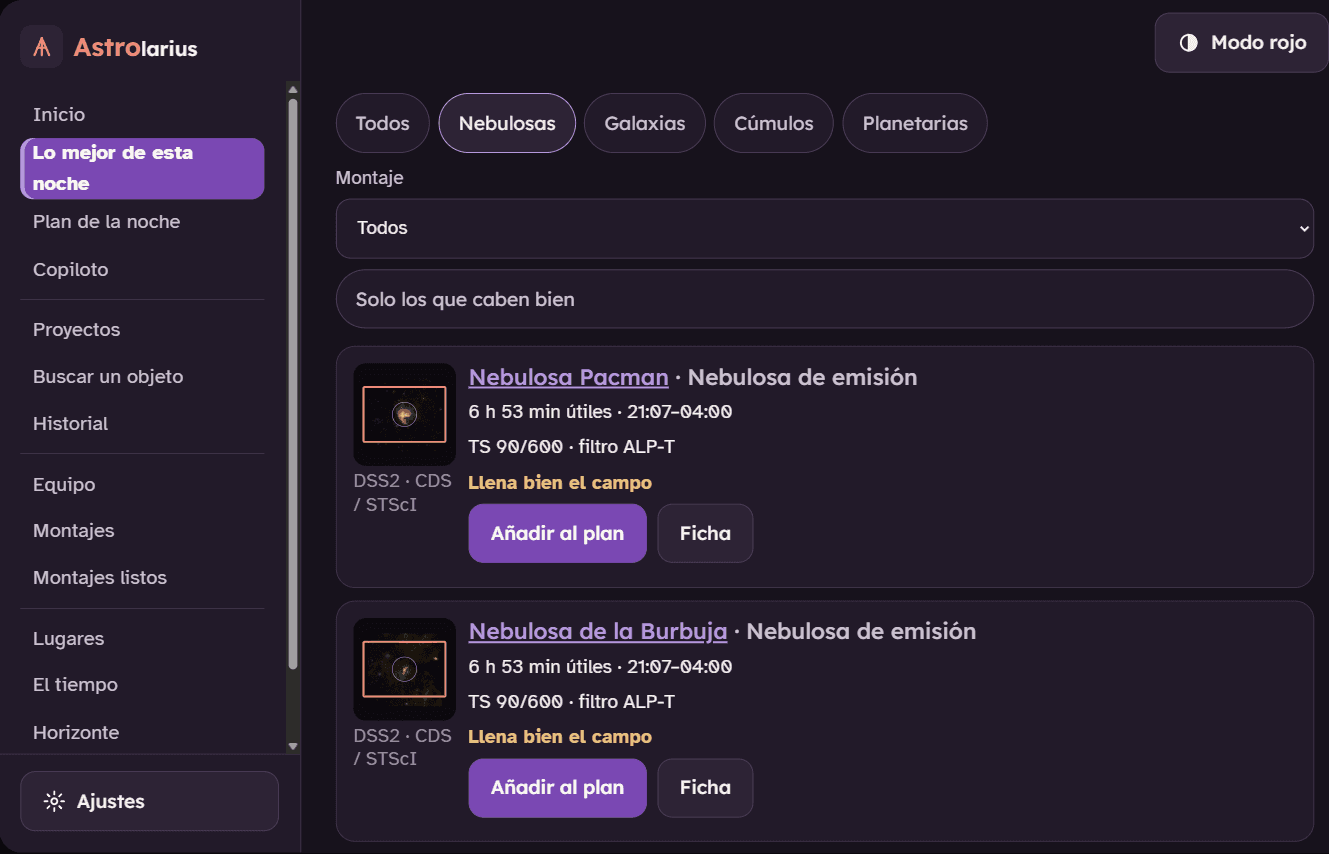
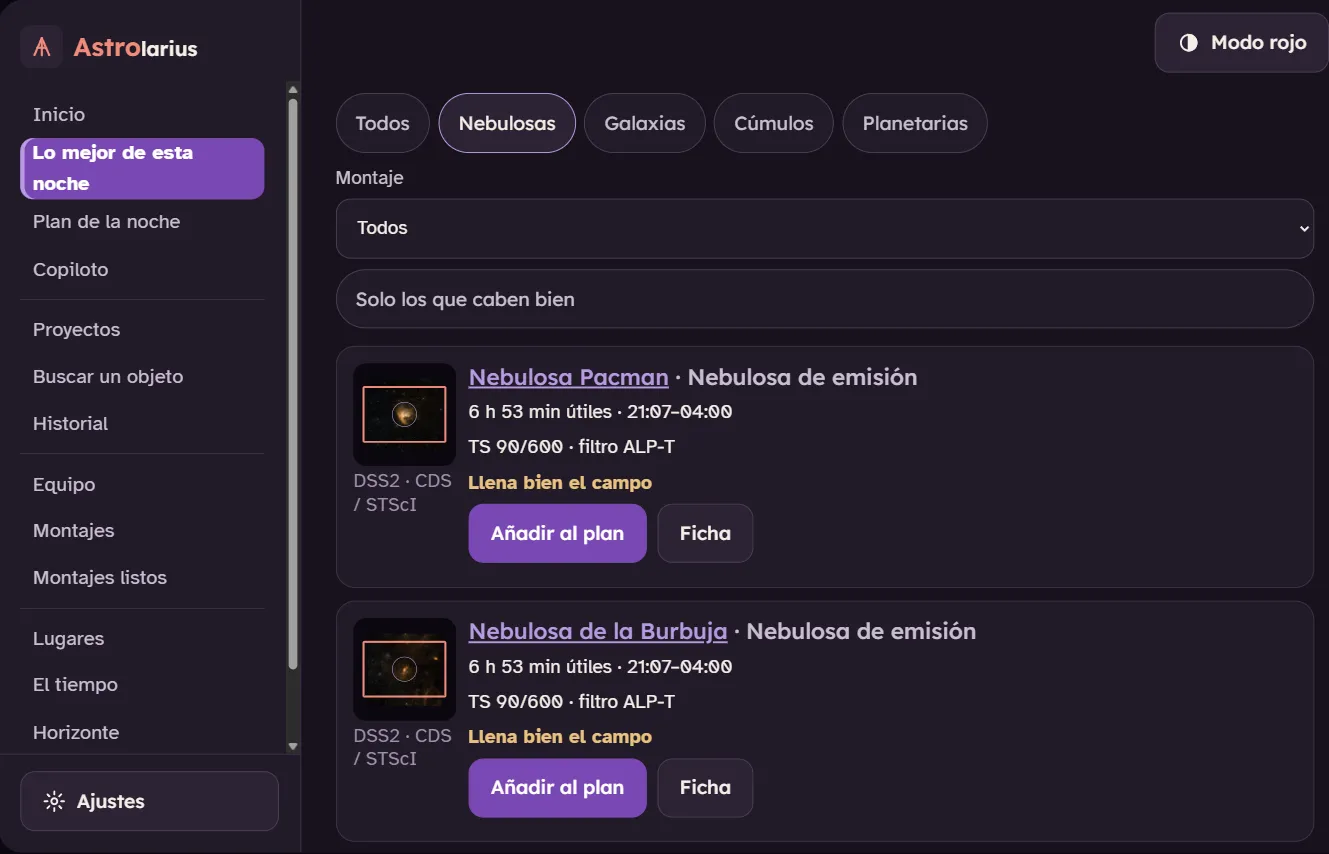
- Tonight's best targets Highlight The 30 best objects for your gear.
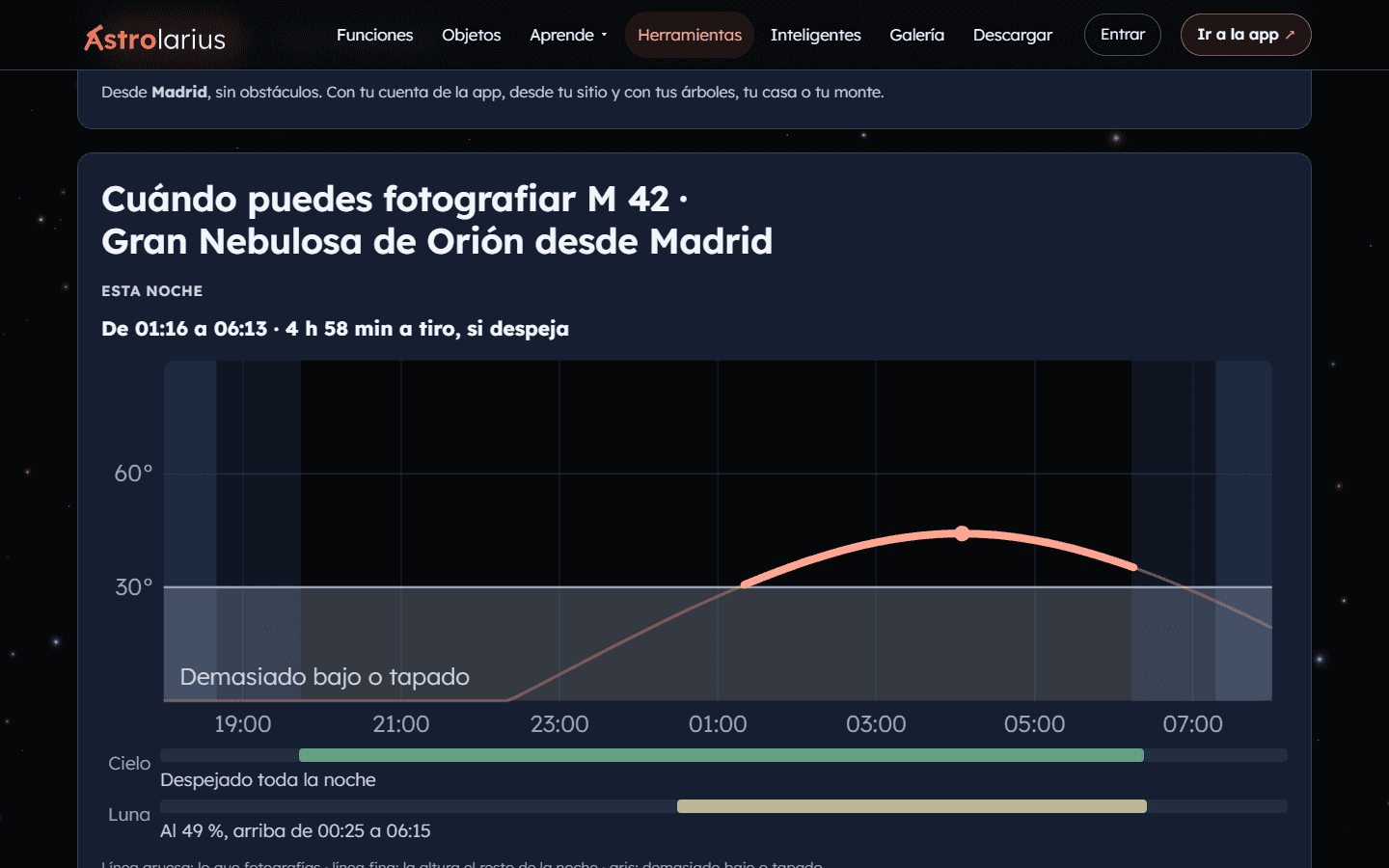
- When can you shoot it Highlight Tonight, the next 30 nights and the whole year.
- Your own horizon Highlight Only the time you can actually see it counts.
And also
-
“Why isn't it suggested?”
If an object isn't suggested, it tells you why.
-
The night's plan
Split across your mounts, with handovers.
-
Ready-made plans
A whole plan if you don't know where to start.
-
“Tonight’s pick”
Which project is worth picking up today.
-
Altitude chart
Each object's curve, with your horizon.
-
Sites and Bortle
Any town in the world, with its Bortle class.
-
Zoomed-in regionsHighlight
Parts of big objects, as targets of their own.
Screenshot of the Astrolarius app · sky images: DSS2 (STScI/CDS) -
02 · 6 features
The sky, night by night
The Moon, the events, and whether it's worth going out
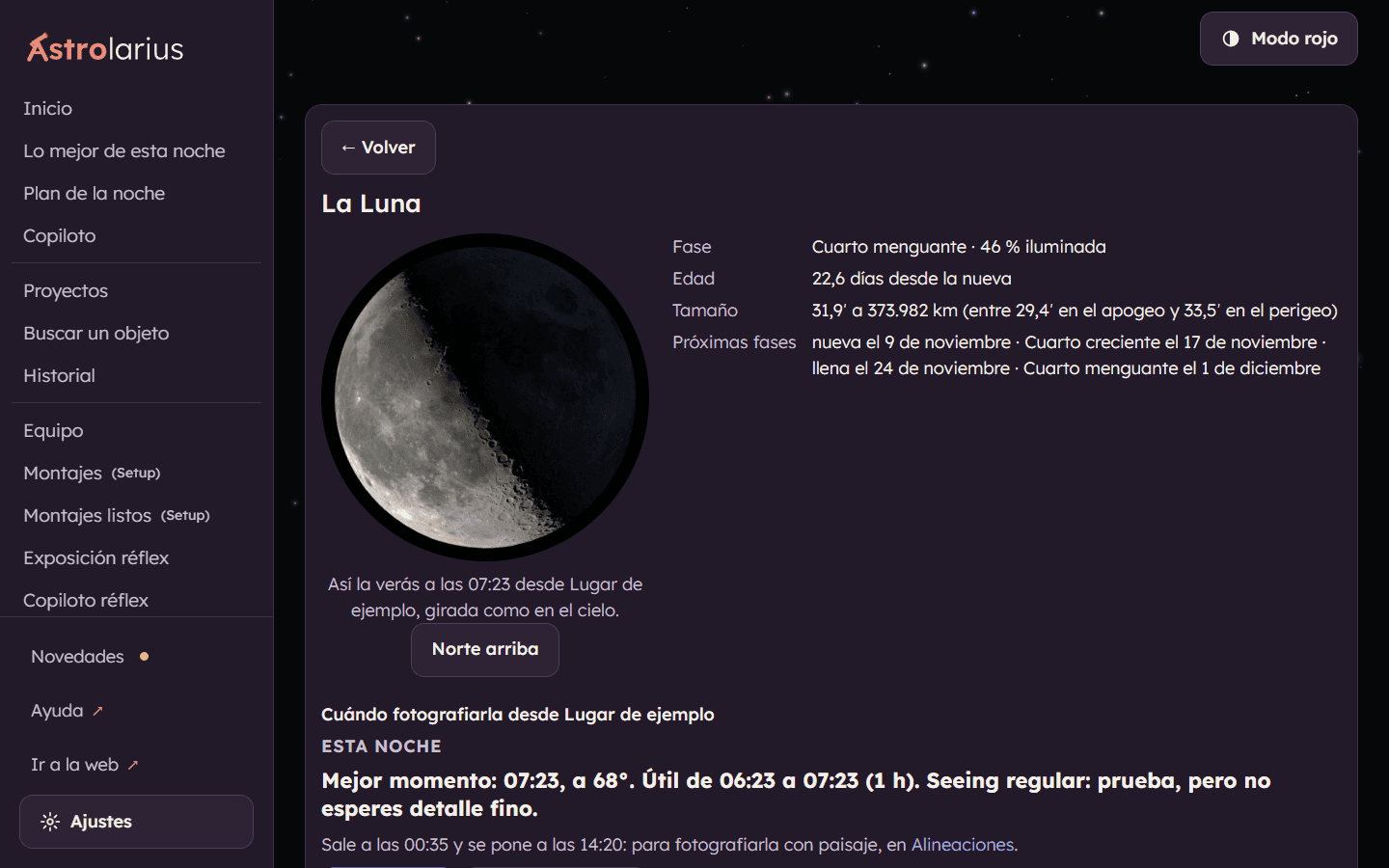
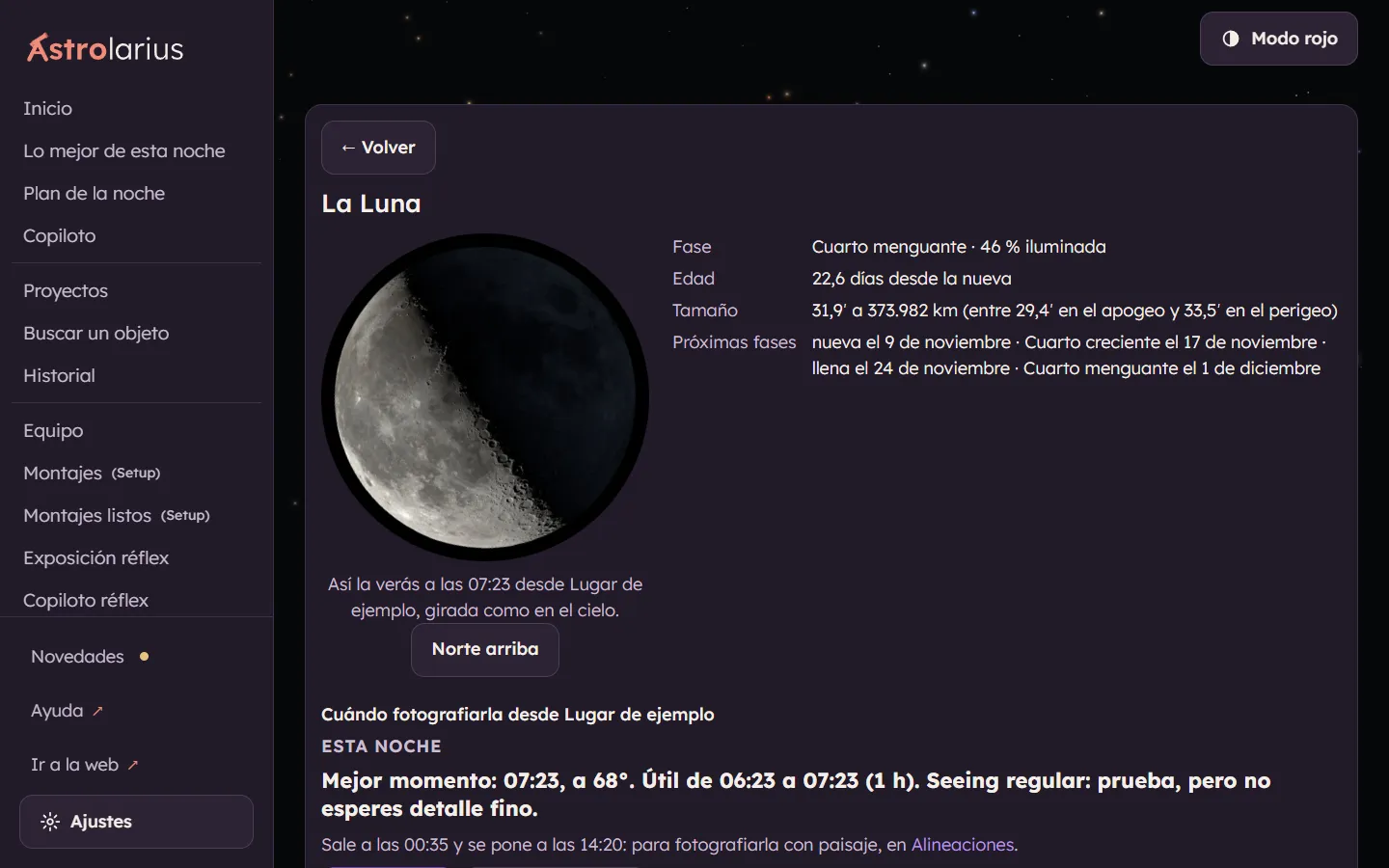
- The Moon, with a page of its own Highlight The real image for each hour, oriented as you'll see it.
- Calendar and events What you can see from your site, month by month.
- What limits the night A score from 0 to 100 and what’s costing it the most points.
And also
-
The nights ahead
The next 7 nights, each with its score.
-
Hour-by-hour weather
Clouds, dew, seeing and transparency.
-
Planetary mode
The planets at their best, and only when the seeing cooperates.
Screenshot of the Astrolarius app -
03 · 6 features
Framing
Your field, over the real sky
- Framing over the real sky Highlight Your field over an actual photo of the sky.
- Straight into the ASIAIR and N.I.N.A. Highlight No typing coordinates.
- Automatic zoom It opens zoomed in when the object is small.
And also
-
Nearby objects and grid
In case something nearby fits in the frame.
-
Mosaics
The panels, with their coordinates.
-
Sky images offline
Download the sky images for your plan before you leave.

Screenshot of the Astrolarius app · sky images: DSS2 (STScI/CDS) -
04 · 4 features
Landscape shots
The Moon, the Sun or the Milky Way over your scene
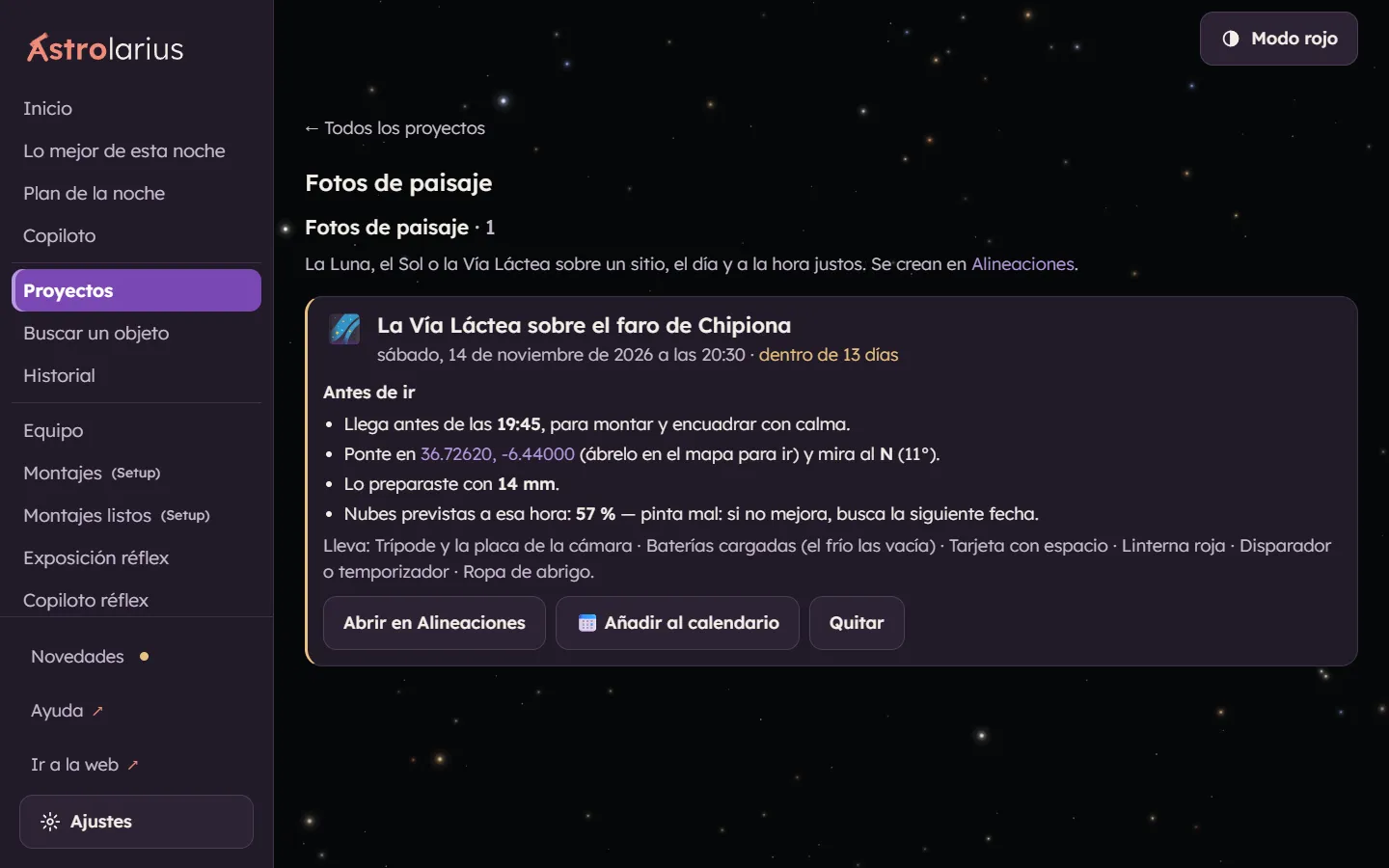
- Alignments Highlight Over a chapel, a lighthouse or a windmill.
- Reminders Highlight In your calendar and when you open the app.
- How it will look with your lens The scene, before you leave home.
And also
-
Before you go
Arrival time, where to stand and the clouds.

Screenshot of the Astrolarius app -
05 · 6 features
Your gear
Everything you own, and what you can do with it
- Gear and rigs Every combination of your gear.
- Rigs ready to go What to shoot with what you already have set up.
- A catalog of 118 filters from 19 brands With advice for every object.
And also
-
Smart telescopes
Seestar, Dwarf, Vaonis… alongside the rest.
-
Mono cameras
LRGB, HOO and SHO, channel by channel.
-
DSLR and tripod
What to shoot and how, with no mount.
-
06 · 7 features
During the night: the Copiloto
It walks you through it, with the screen in red
- A guided run from dusk to packing up Highlight From the afternoon to packing up, step by step.
- Full-screen alerts, with siren and voice Highlight Meridian, Moon, clouds… out loud.
- Rain watch Highlight Siren and voice if rain is coming.
And also
-
DSLR Copiloto
Your night with the DSLR, step by step and out loud.
-
“Shall I call you when it's time?”
Under the countdown, with voice or siren.
-
It knows how you focus
Just the steps for your way of focusing.
-
HDR on high-contrast objects
Without blowing out the core of M 42, M 31 or the Pleiades.

Screenshot of the Astrolarius app · sky images: DSS2 (STScI/CDS) -
07 · 5 features
After the night
Your hours, your projects and your calibration
- “How did last night go?” It asks how it went and logs the frames you kept.
- Projects Hours per object and filter, and what's missing.
- History Every night of yours, and how it went.
And also
-
Calibration library
Which darks and bias frames you’re missing.
-
Backup
All your data in one file.
-
08 · 5 features
Learning
No manuals: right there, and with your own numbers
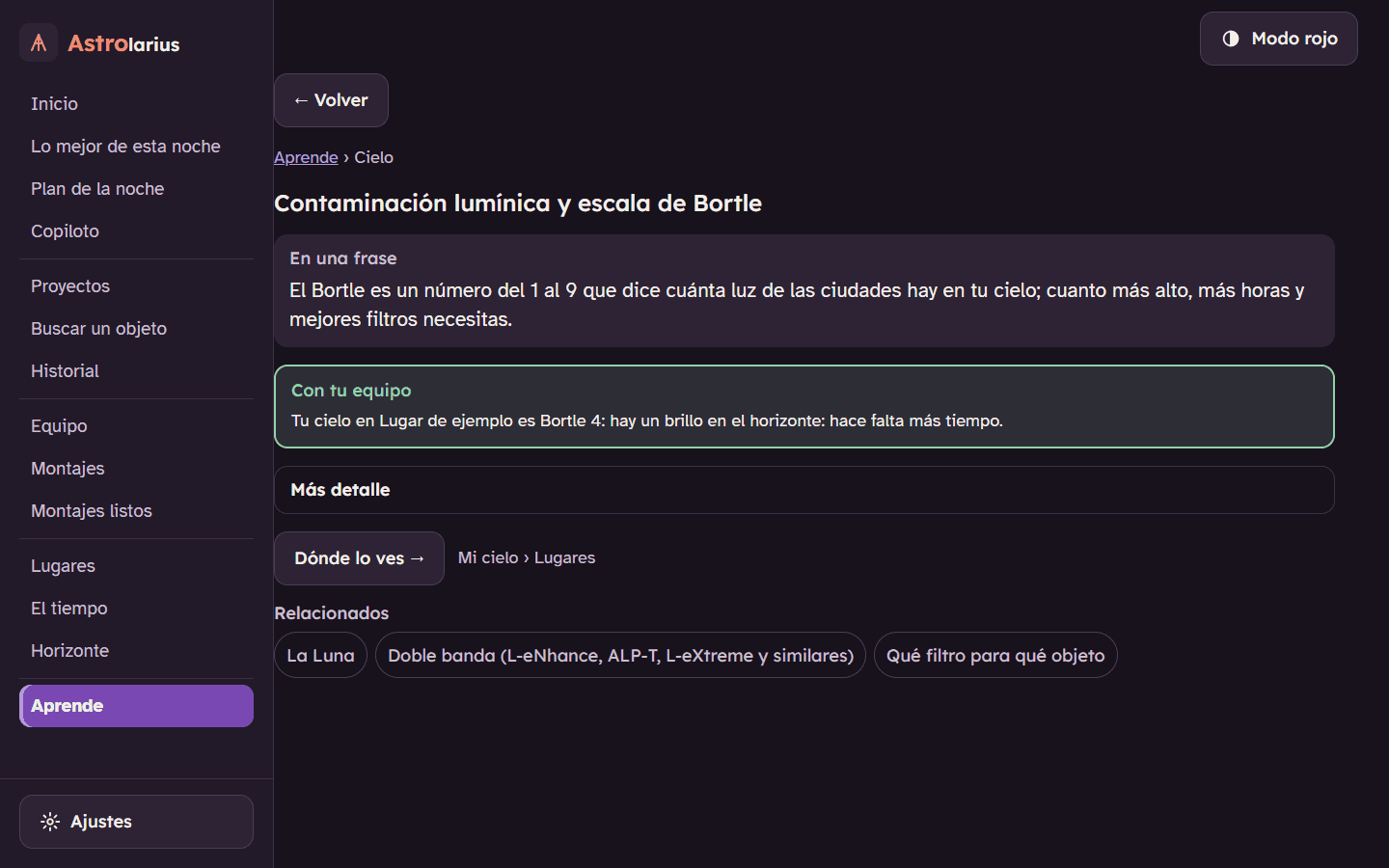
- Learn The concepts in short pages.
- “Explain this” on every technical term Highlight Every term, with your real number.
- Concept of the moment One line a day about your night.
And also
-
Extra layers (intermediate)
An infrared layer and an Hα layer to add to your image.
-
By level
It adapts to your experience.
Screenshot of the Astrolarius app -
09 · 6 features
On the website
Free, nothing to install and no sign-up
- Tools for your night Highlight Worth setting up tonight? When can I shoot it?
- Show how your photo is coming along Highlight With its hours and its gear, in one link.
- Object pages Which filter, which focal length and how to shoot them.
And also
-
The community gallery
Photos by amateurs, with their gear and their numbers.
-
Smart telescopes, compared
Seestar, Dwarf, Vaonis…, side by side.
-
One account for the website and the app
Optional, with a code by email.
Screenshot of the Astrolarius website -
10 · 7 features
General
For every night
- The evening alert Whether tonight is worth setting up for.
- Red mode throughout So you don't lose your night vision.
- Works offline On your phone, your tablet and your computer.
And also
-
English version of the appSoon
The app itself runs in Spanish; English is coming in phases.
-
Privacy
On your device, and in your account only if you create one.
-
Easy to read
Large type and plain words.
-
Dated release notes
What changes, day by day.



Want to try it tonight?
Free, with no subscription and no ads. The app itself is still in Spanish; the website, the guides and the tools are in English.
The screenshots show the app in Spanish, which is the language it runs in today.